
Booklet guide: bindings, page count and print-ready files
Everything to nail your brochure, catalogue or magazine: choose the right binding, count your pages correctly, prepare a flawless PDF and handle your bleeds. A Paris printer guides you, step by step.
Choose your binding
Four bindings cover almost every project. The choice mainly depends on the page count and the intended use.
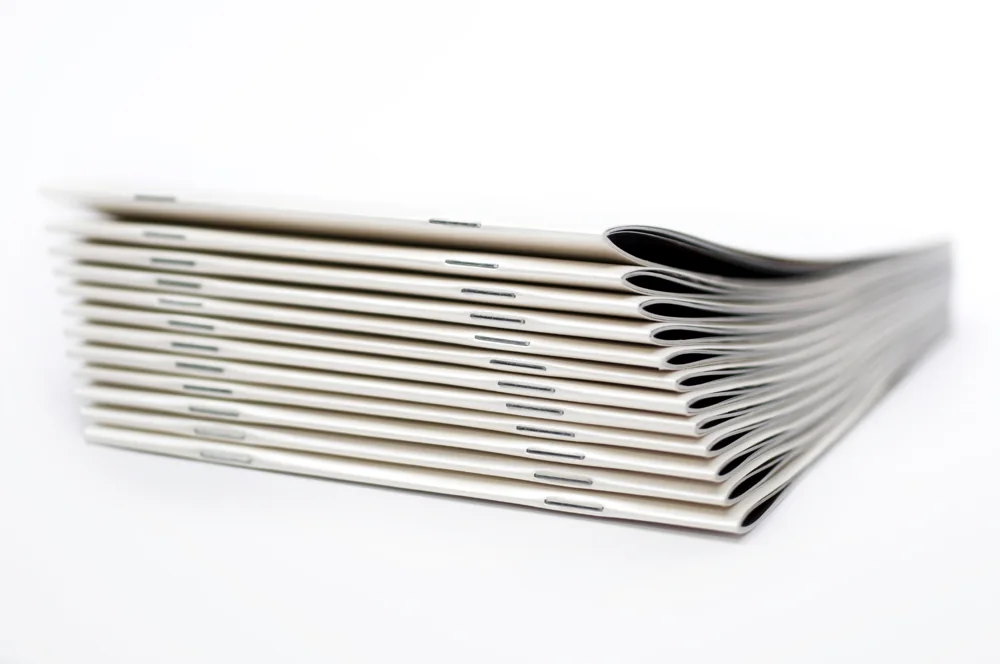
Saddle stitched
Two metal staples in the spine. Economical and fast, up to ~64 pages. Ideal for programmes, booklets and light magazines.
View product →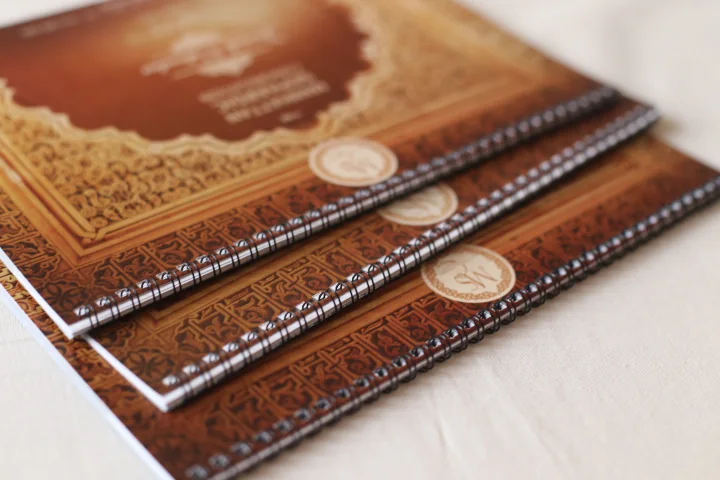
Wire-O
Metal rings: the booklet opens fully flat. Perfect for manuals, recipe books and training materials.
View product →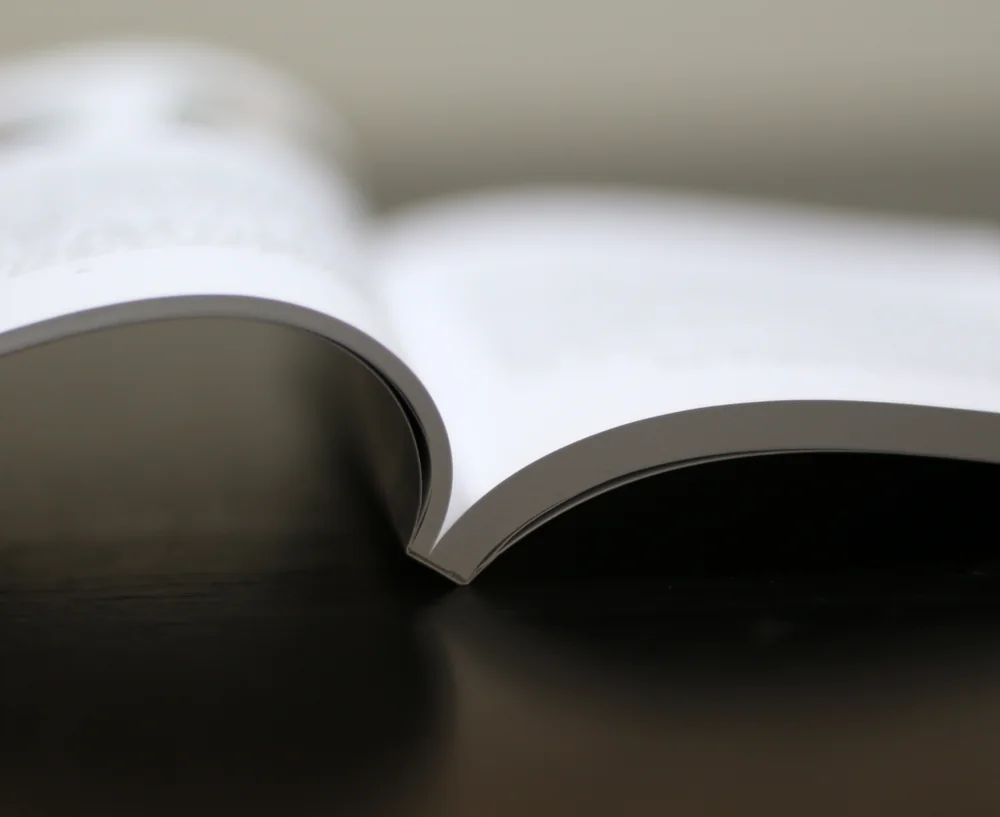
Perfect binding
Pages glued into a flat spine. Professional, durable finish for catalogues, magazines and thicker brochures (from ~48 pages).
View product →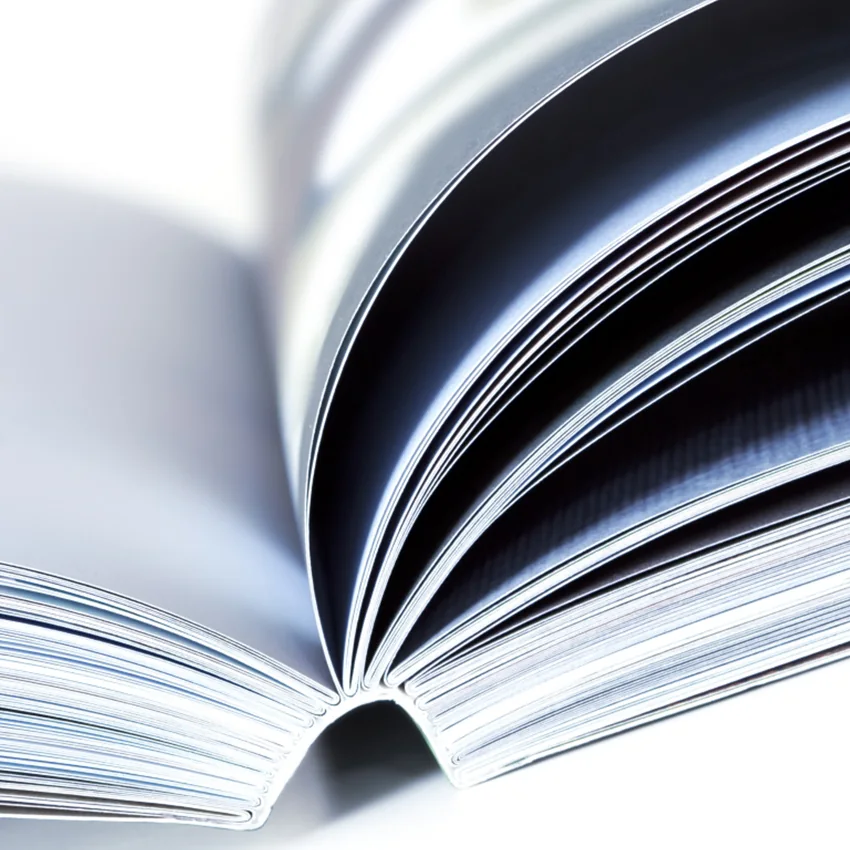
Sewn binding
Sewn then glued sections: the strongest, most premium binding. For books, fine works and premium editions.
View product →| Binding | Pages | Lies flat | Best for |
|---|---|---|---|
| Saddle stitched | 8 – 64 | Good | Programmes, booklets, light magazines |
| Wire-O | 12 – 200 | Fully | Manuals, recipes, training |
| Perfect bound | 40 – 800+ | No | Catalogues, magazines, reports |
| Sewn | 64 – 800+ | Very good | Books, fine works, premium editions |
Counting your booklet pages
The most common mistake. One “page” = one side. A sheet printed both sides = 2 pages.
The multiples rule
- ✓Saddle stitch: multiples of 4 (each folded sheet = 4 pages), from 8 to ~64 pages.
- ✓Perfect binding: multiples of 2, from 40 pages.
- ✓Sewn binding: multiples of 4 (folded then sewn sections).
- ✓Wire-O: from 12 to ~200 pages depending on paper.
The cover counts
The cover represents 4 pages: front cover (page 1), inside front cover (page 2), inside back cover and back cover (last page). So a “24-page” booklet includes the cover.
How a booklet's pages follow on (8-page example)
💡 Tip: number your pages in reading order (cover = page 1) and supply a single PDF with pages in sequential order — not imposed spreads.
Preparing your print file
A well-prepared PDF means no nasty surprises. Here are the expected settings.
PDF at 1:1 scale
Export an unprotected PDF at final size, pages in sequential order (cover to cover).
CMYK · Fogra 39
Work in CMYK with the Fogra 39 profile (Coated FOGRA39) for accurate colour. Avoid RGB.
Images at 300 dpi
Your images should be 300 dpi at final size for perfect sharpness.
Fonts & lines
Embed fonts (or outline them). Minimum line weight 0.25 pt, minimum text size 6 pt.
Bleed & safety margins
Trimming is never to the micron: bleed prevents white edges on the borders.
The right settings
- ✓Bleed: 3 mm on each side of every page.
- ✓Text: 5 mm from outer edges and 15 mm from the inner edge (gutter).
- ✓No crop marks or registration marks in the PDF.
- ✓Dark solids: prefer a rich black (e.g. C40 M30 Y30 K100).
Why it matters
Without bleed, the slightest trimming shift reveals a white line. Without enough inner margin, text falls into the spine and becomes unreadable, especially on thick bindings (perfect/sewn).
Lamination, papers & sizes
Lamination & finishes
Lamination protects and enhances the cover: gloss, matte or soft touch (premium velvet effect). Available front and back, and even on inner pages depending on paper and weight. On heavy stocks it reduces cracking at the fold. You can add hot foiling, embossing or spot UV.
Common papers & sizes
- ✓Inside: coated matte/gloss or offset, 90–170 gsm. Cover: 250–350 gsm.
- ✓Sizes: A4 (21×29.7), A5 (14.8×21), square 21×21, compact 14.8×14.8.
- ✓Custom size: made to measure for premium projects.
- ✓Recycled and creative papers available.
Your booklet questions
Count each side. The cover counts as 4 pages. The total is a multiple of 4 for saddle stitch and sewn binding, and a multiple of 2 for perfect binding (from 40 pages).
Up to ~64 pages: saddle stitch. Flat use (manuals): Wire-O. Thick brochure / pro finish: perfect binding. Durable premium book: sewn binding.
3 mm bleed per side, text 5 mm from outer edges and 15 mm from the spine, no crop marks.
A single PDF at 1:1 scale, CMYK (Fogra 39), 300 dpi images, embedded fonts, pages in order. Need help? We check your file for free.
A brochure or catalogue project?
Binding advice, file check and free quote. We reply fast, in French or English.